







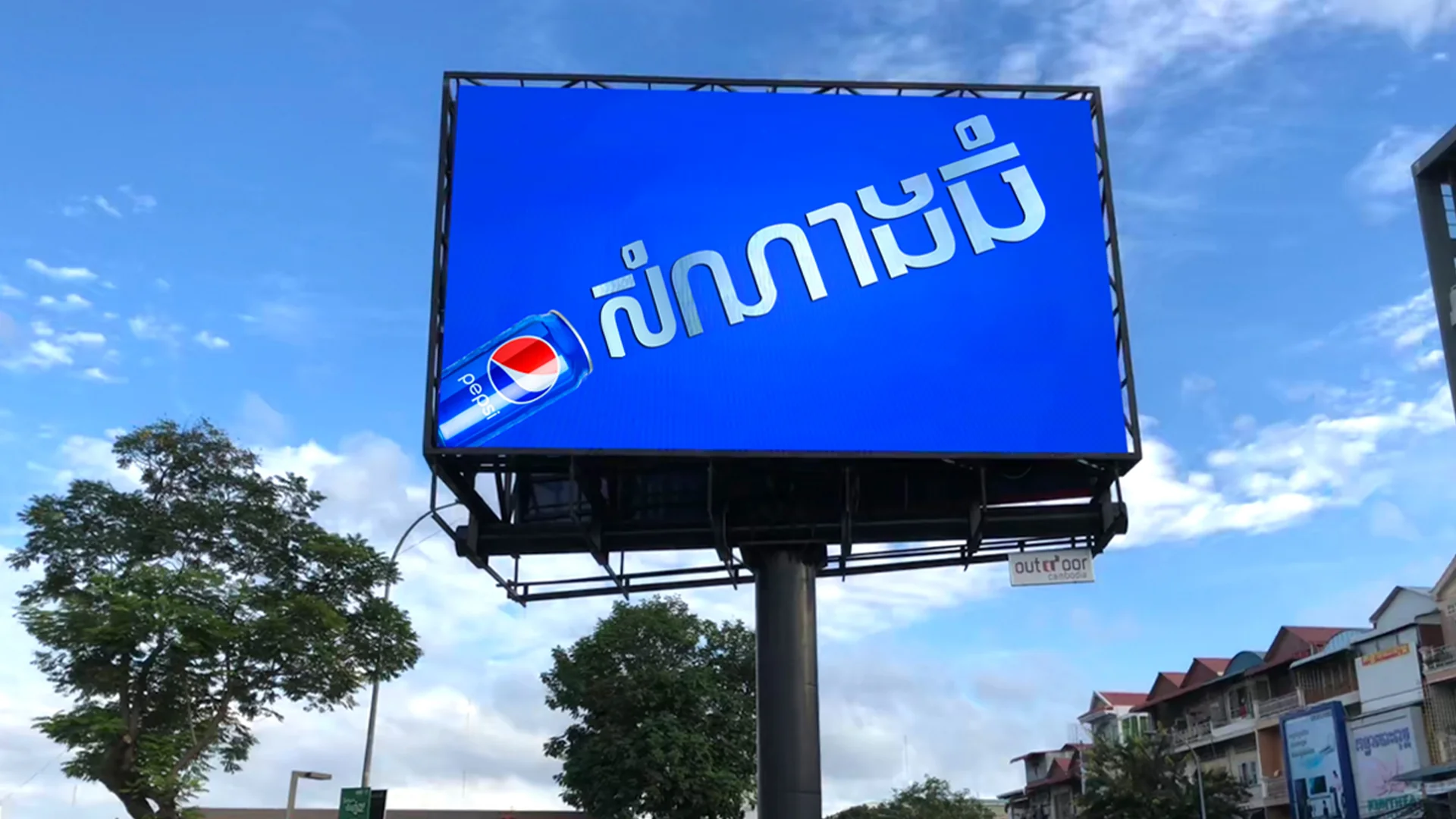

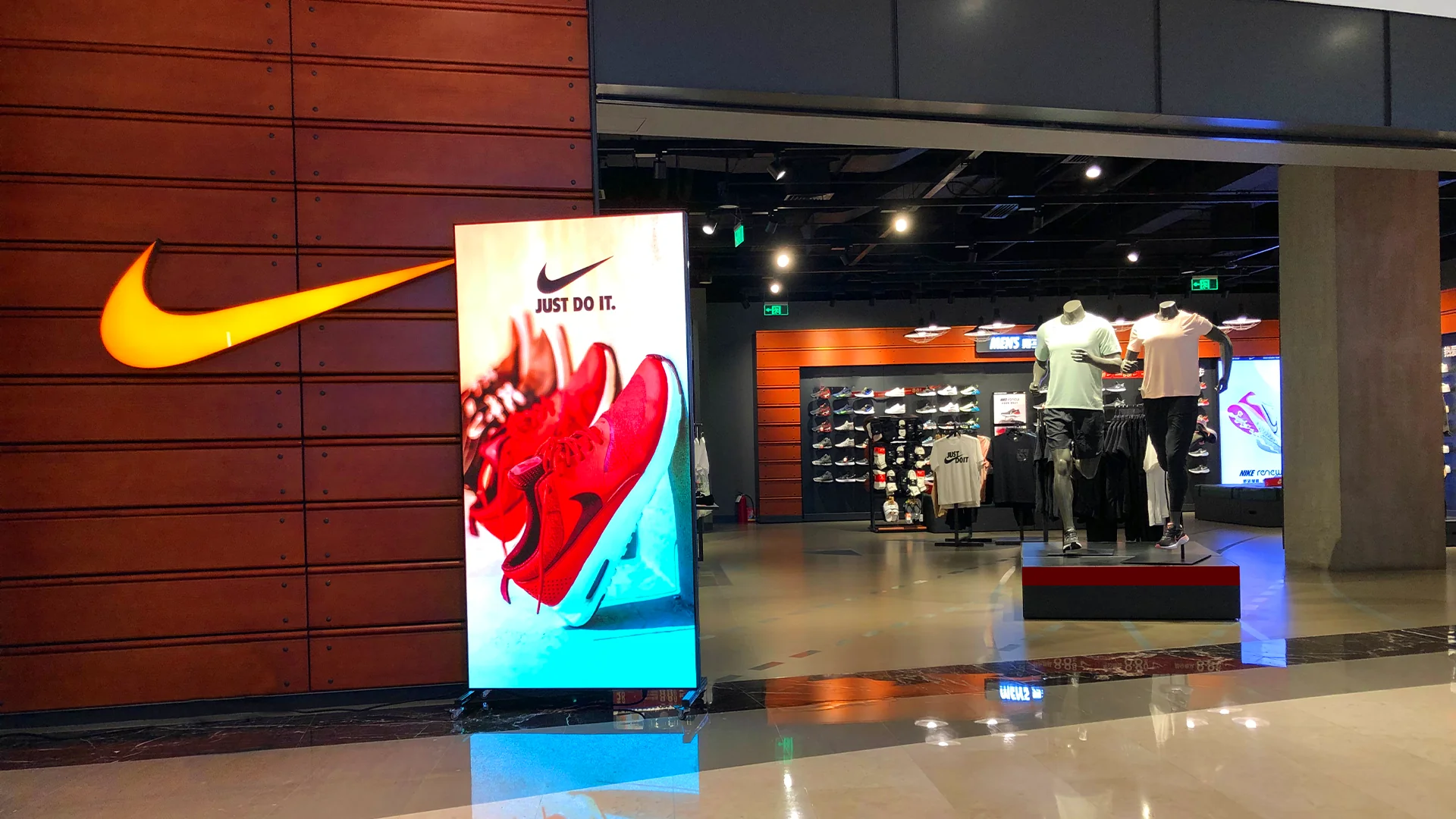
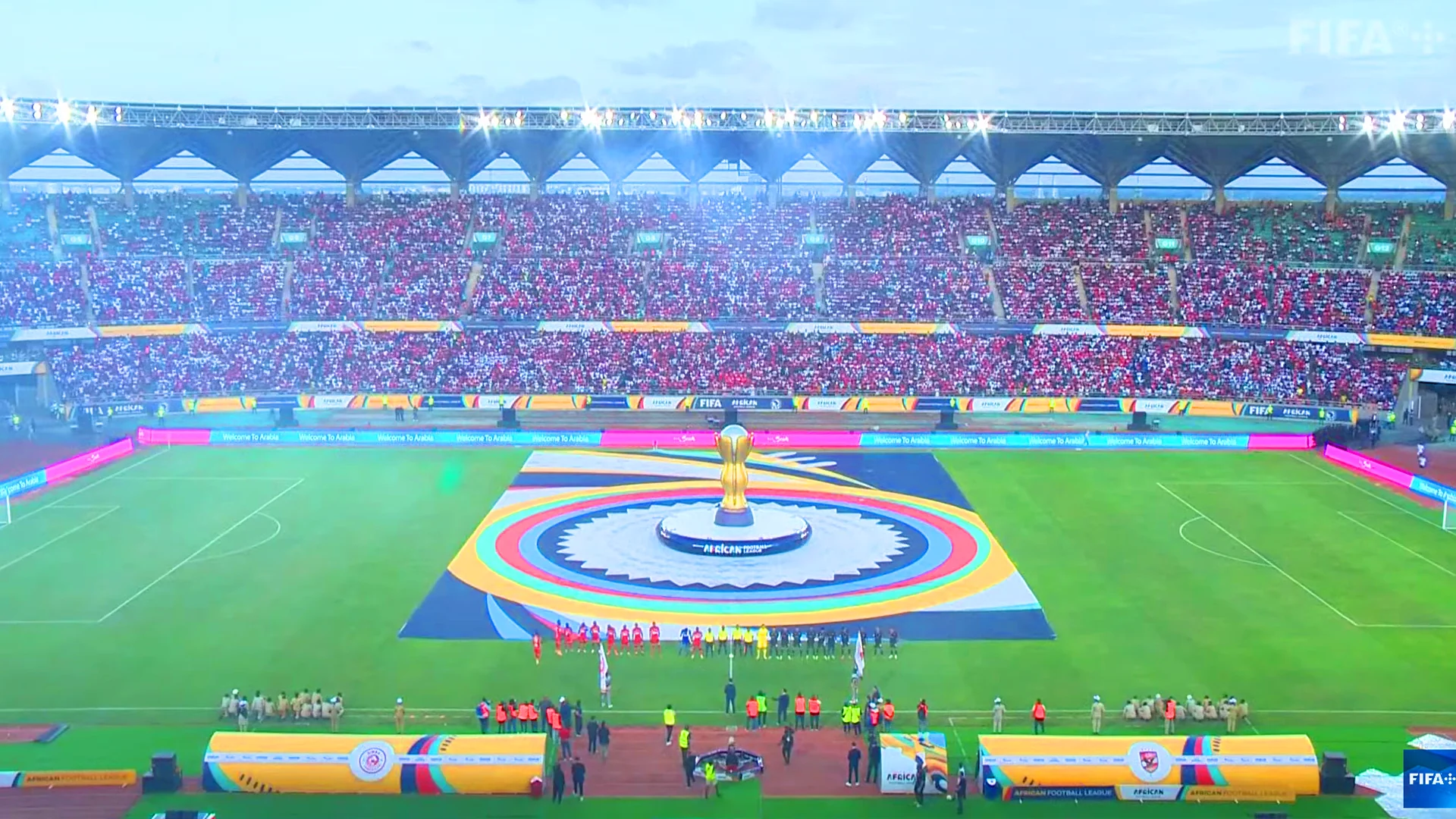
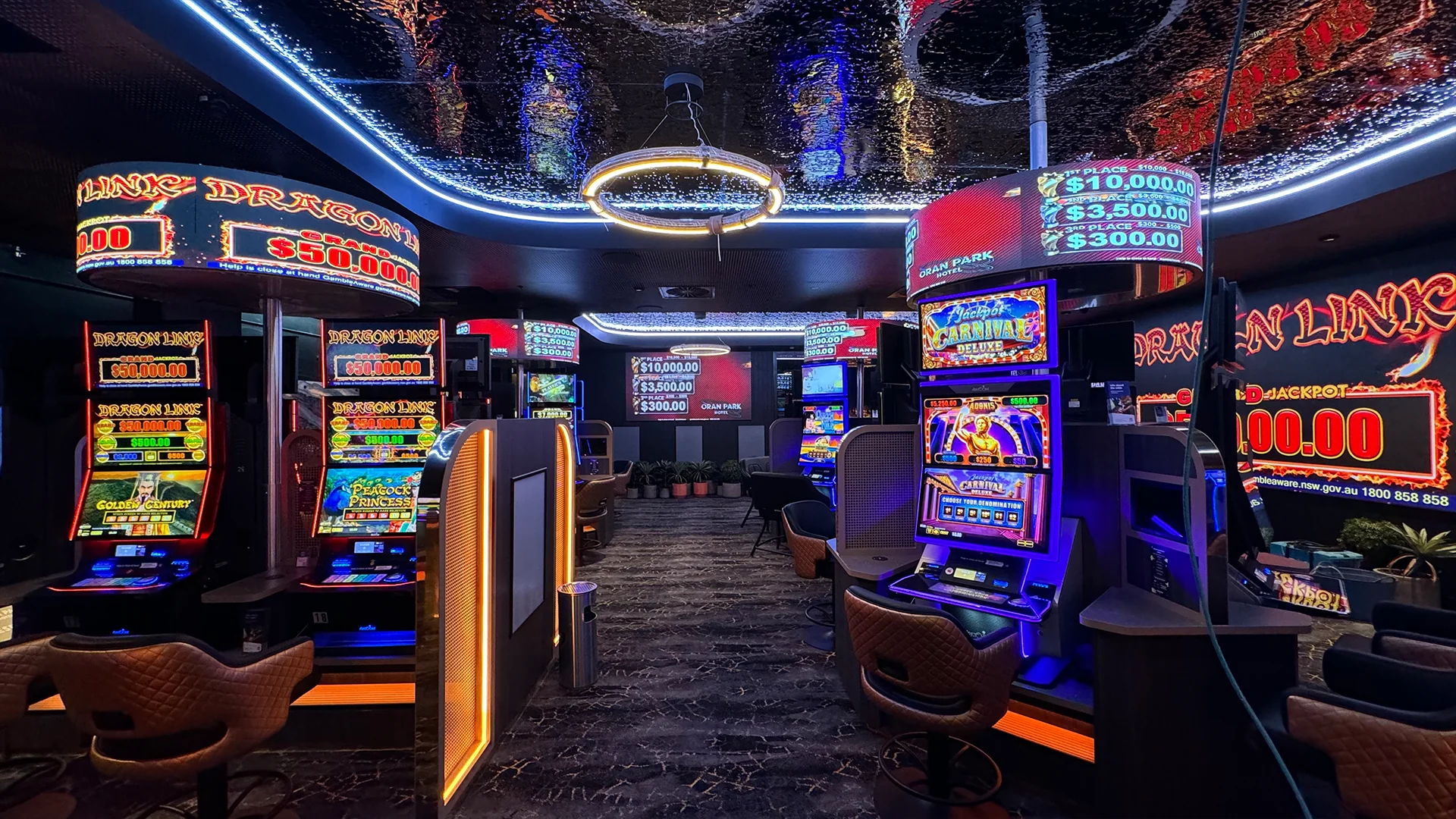











Outdoor digital signage has to operate through changing weather, long operating hours, electrical fluctuations, and demanding content schedules. When an image suddenly becomes dim, a section stops displaying, or colors appear inconsistent, the cause is rarely obvious from the viewing surface alone. At LEDFUL, we treat troubleshooting as a process of narrowing down possible causes, so outdoor LED display board operators can identify whether an issue comes from power, signal transmission, modules, configuration, or the surrounding installation.
Start With The Visible Symptoms
The first step is to describe exactly what has changed. A completely dark cabinet points toward a different diagnostic path than one showing intermittent flickering, abnormal colors, or a single line of failed pixels. Recording which area is affected and whether the problem changes over time can provide useful evidence before any components are removed.
Power-related faults often affect an entire cabinet or several connected sections. Check whether the relevant power indicators are active, inspect connectors for looseness, and verify that the distribution system is supplying the expected voltage. Sudden failures after storms or electrical work deserve particular attention because external power conditions may be involved.
Signal problems can produce patterns that resemble hardware defects. If one cabinet displays normally while another receives corrupted or missing content, technicians should inspect data cables, receiving cards, controller outputs, and connection sequences. Mapping the affected area helps distinguish a local signal problem from a wider system configuration issue.
Diagnose Brightness And Color Irregularities
Brightness differences can become noticeable when individual modules or cabinet sections no longer match the surrounding area. Before replacing hardware, check whether brightness settings, calibration data, or controller parameters have changed. Content software can also create apparent differences if separate areas are assigned different configurations.
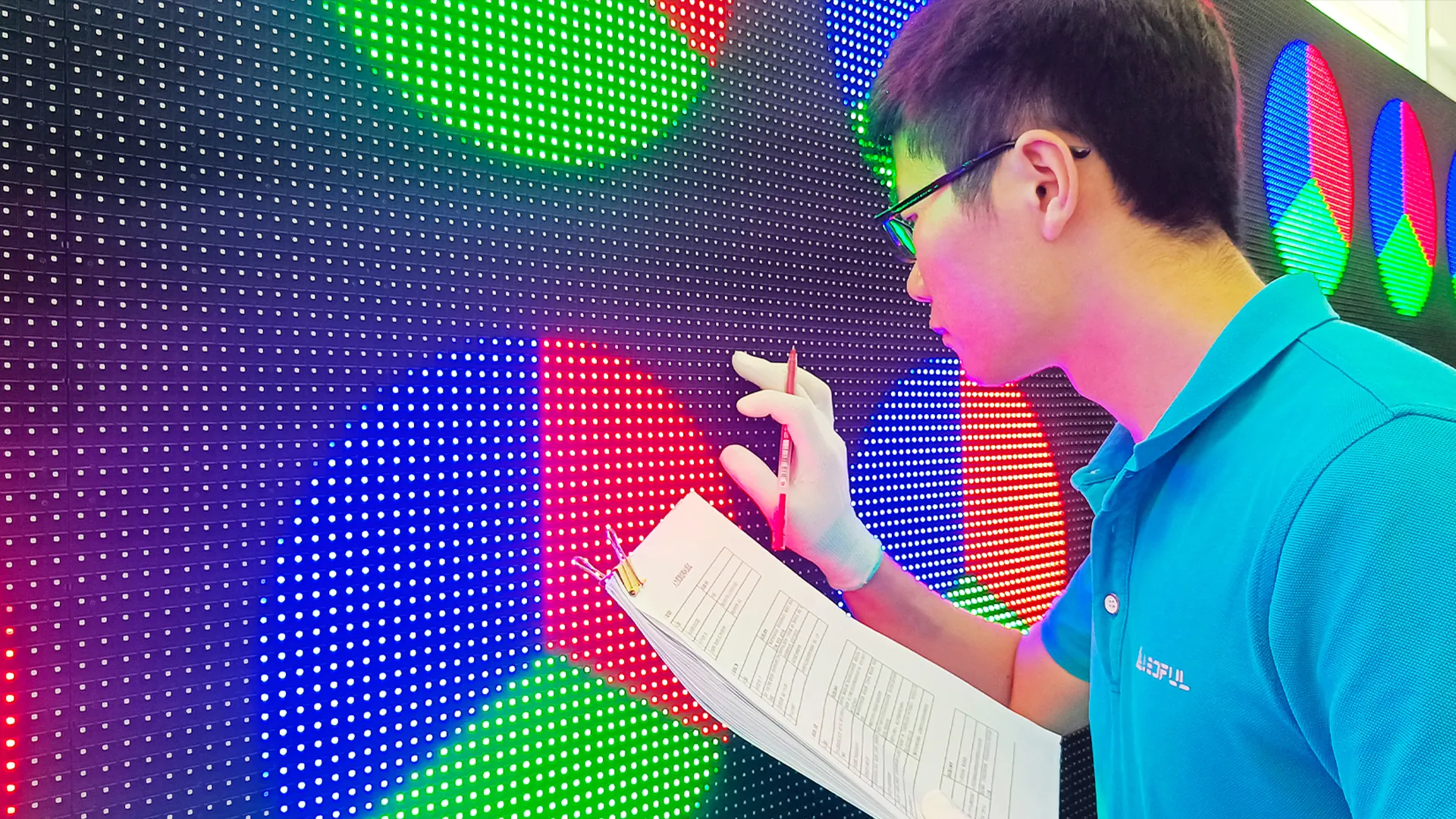
Color shifts require a similar process. Red, green, or blue abnormalities may originate from an LED module, driver component, receiving card, data connection, or calibration setting. Testing the affected module against a known-good position can help determine whether the issue follows the hardware or remains with the original cabinet location.
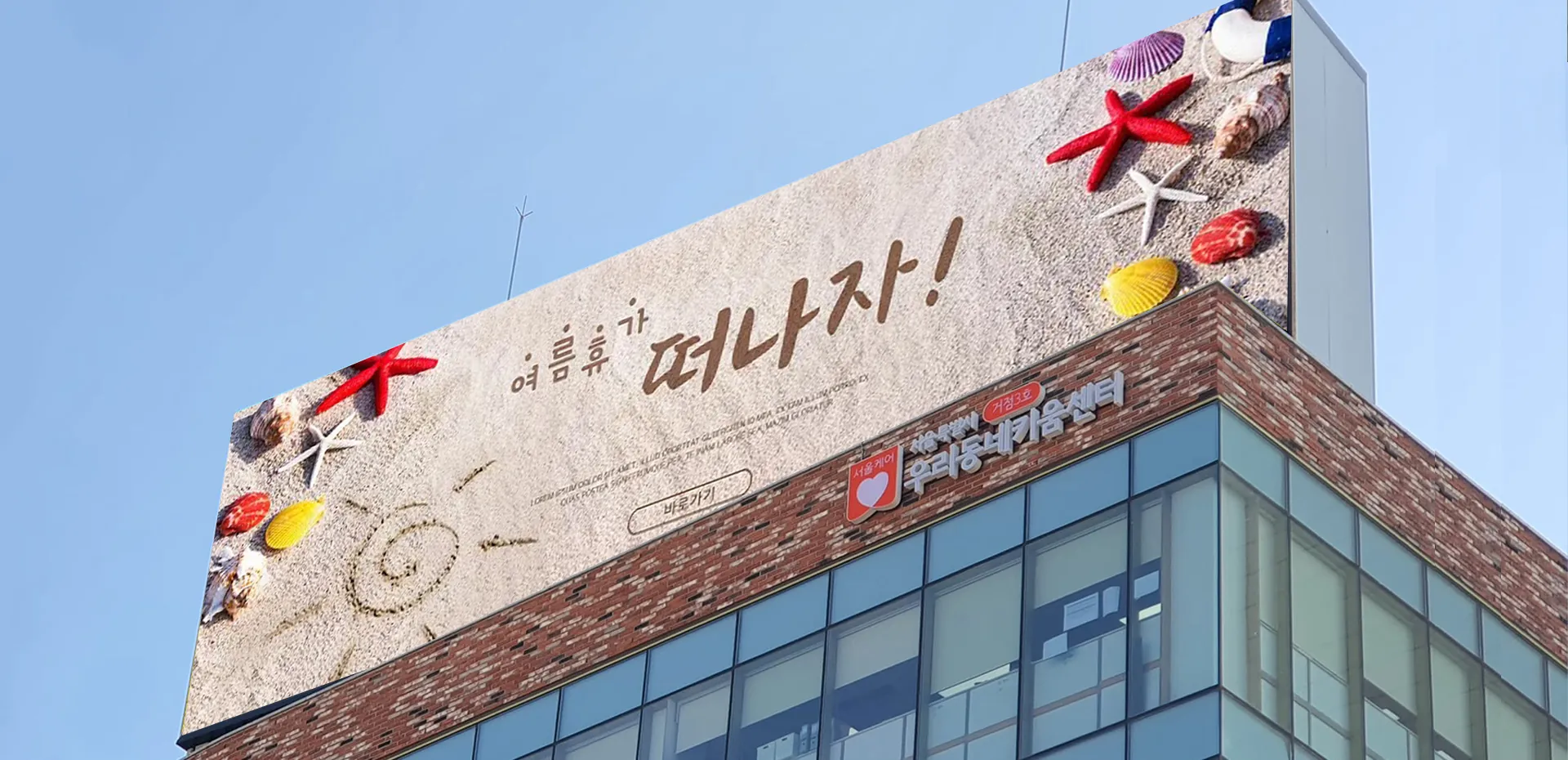
For outdoor LED display screen installations, ambient light should also be considered. Direct sunlight, reflections, dust, and moisture on the surface can change perceived contrast without indicating an electronic failure. Comparing the display under similar lighting conditions gives technicians a more reliable reference.
Check Modules, Connections, And Configuration
Module-level problems are often easier to isolate once the affected area has been mapped. If only part of a cabinet is abnormal, inspect module connections and the corresponding power and data paths. Intermittent behavior may point toward a connection issue rather than a permanently damaged component.
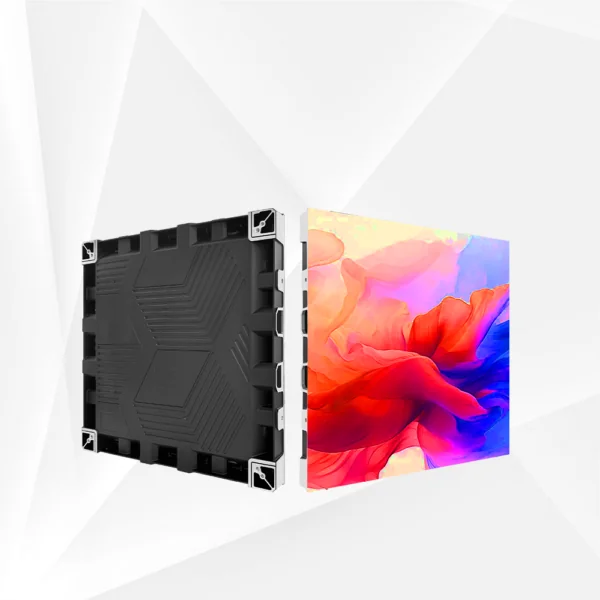
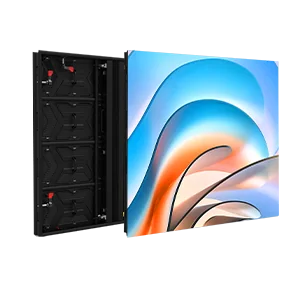
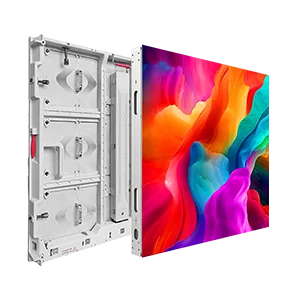
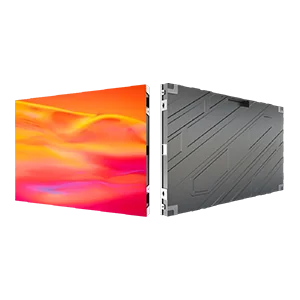
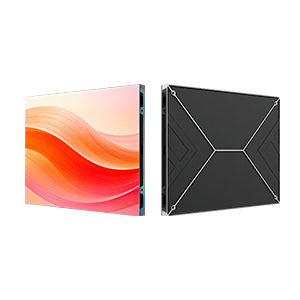
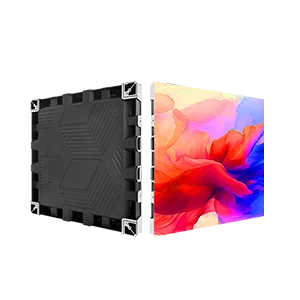
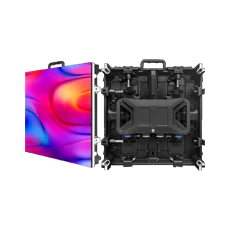
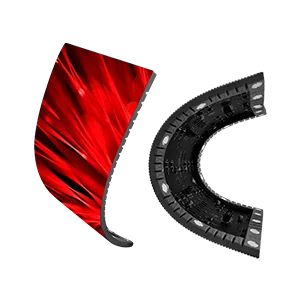
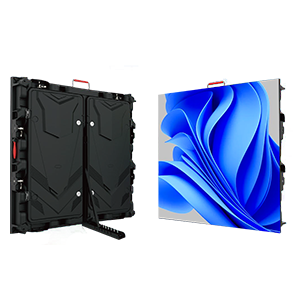
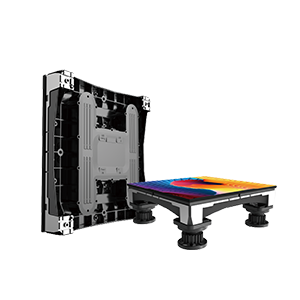
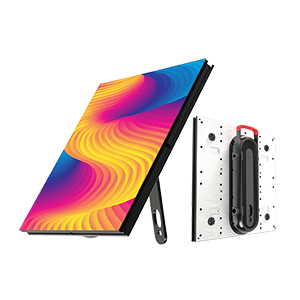
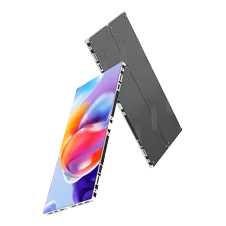
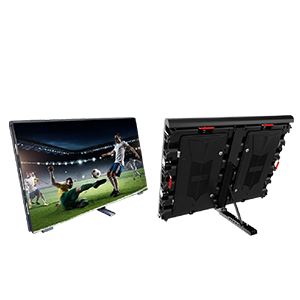
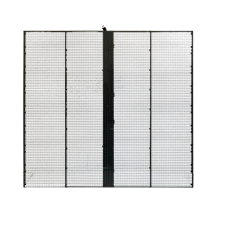
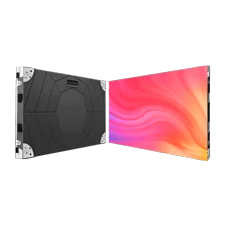
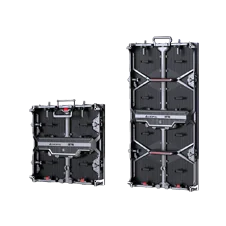
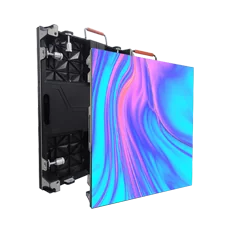
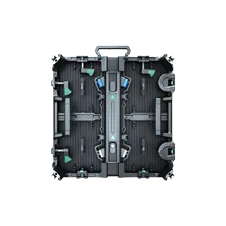
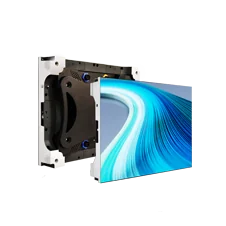
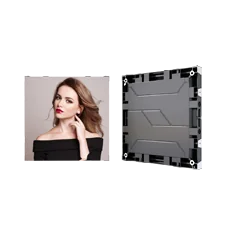
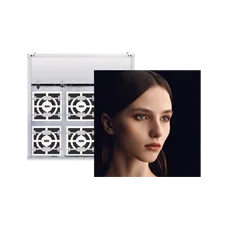
The FS PRO Series (250×250) HD Fine-pitch Outdoor LED Display illustrates how physical design can influence maintenance procedures. This fine-pitch outdoor system uses 250×250 mm modules, supports P1.9–P3.9 pixel pitches, and features front maintenance, a lightweight aluminum structure, and a cable-free design. Its common-cathode technology is specified for energy savings of up to 40%. Those characteristics can make access and cabinet handling more straightforward during service work.
Configuration errors deserve equal attention. Incorrect cabinet mapping, scan settings, receiving-card parameters, or screen dimensions can create repeated patterns across otherwise functional hardware. Before changing multiple settings, save the existing configuration so technicians have a reference point for restoring the previous state.
Investigate Flicker, Intermittent Faults, And Heat
Flickering does not always originate from the LED modules themselves. Unstable power, damaged cables, loose connectors, controller settings, or incompatible refresh configurations can all contribute to unstable visual output. A useful diagnostic sequence begins with identifying whether the flicker affects the entire display, one cabinet, or only a small module area.
Intermittent faults can be more difficult because the display may appear normal during inspection. Keep records of operating time, weather conditions, temperature, and the exact moment the symptom appears. If the problem occurs primarily after prolonged operation, thermal conditions and ventilation should be included in the investigation.
Moisture requires another line of inspection. Outdoor cabinets may encounter rain, condensation, or high humidity, particularly around connectors and cabinet interfaces. Evidence of corrosion, water ingress, or damaged sealing should be documented before components are replaced. For technicians working on an outdoor LED display board, environmental evidence can reveal a recurring installation issue rather than a single failed module.
Conclusion
Troubleshooting becomes much more manageable once the display is treated as a connected system rather than a single piece of equipment. Visual symptoms provide the starting point, while power paths, data transmission, configuration, modules, environmental conditions, and thermal behavior help narrow the investigation. With a structured diagnostic process, technicians can work from evidence instead of relying on repeated component replacement.
Our team at LEDFUL approaches service work with the same principle: identify the affected area, trace the relevant system path, verify the evidence, and document the result. Whether the issue appears as flicker, color deviation, dark modules, or intermittent operation, understanding the relationship between each subsystem gives outdoor LED display board operators a clearer route toward practical maintenance and stable operation.