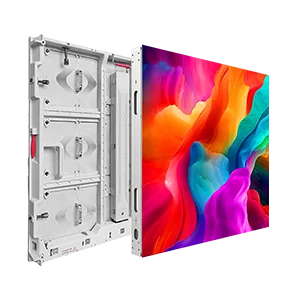
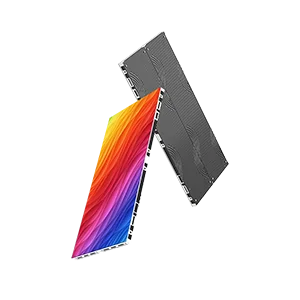
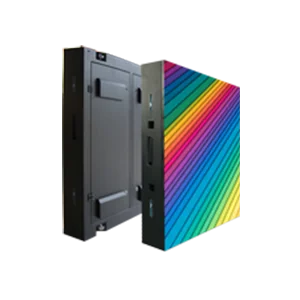
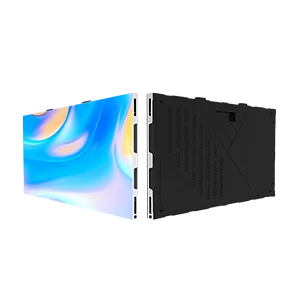
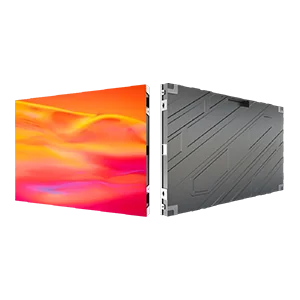
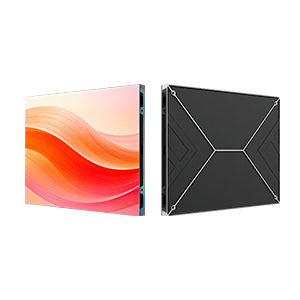
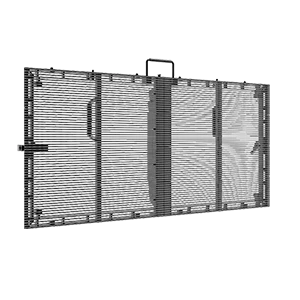
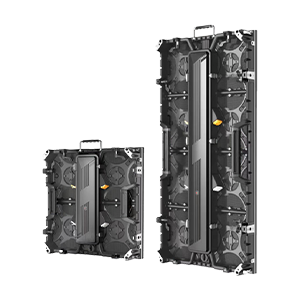





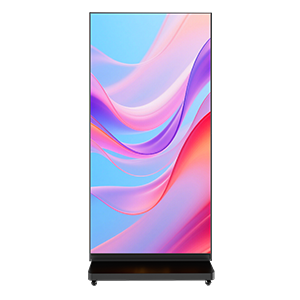
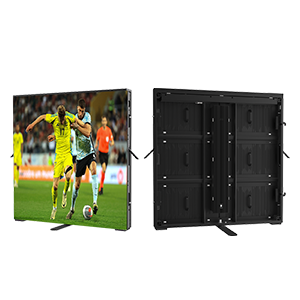
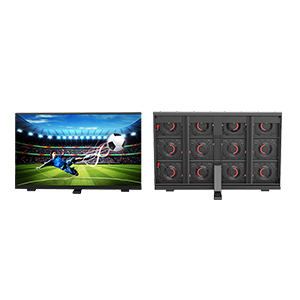
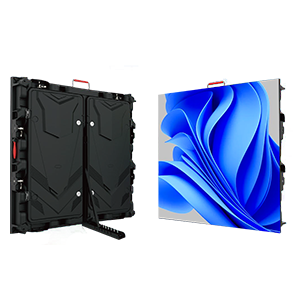
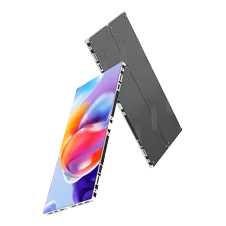
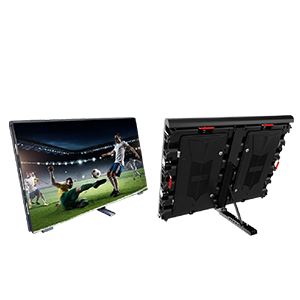
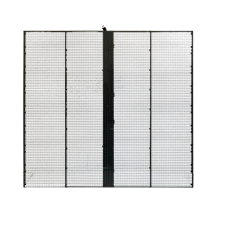
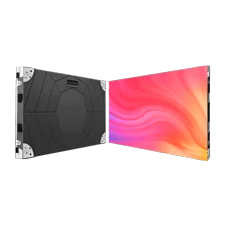
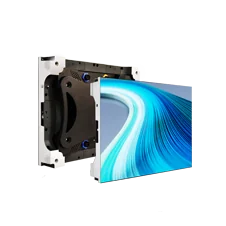
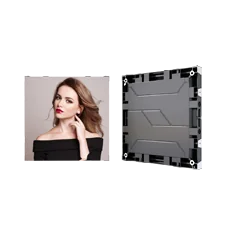
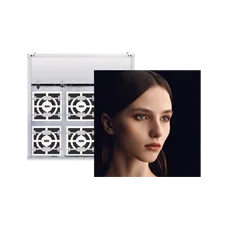


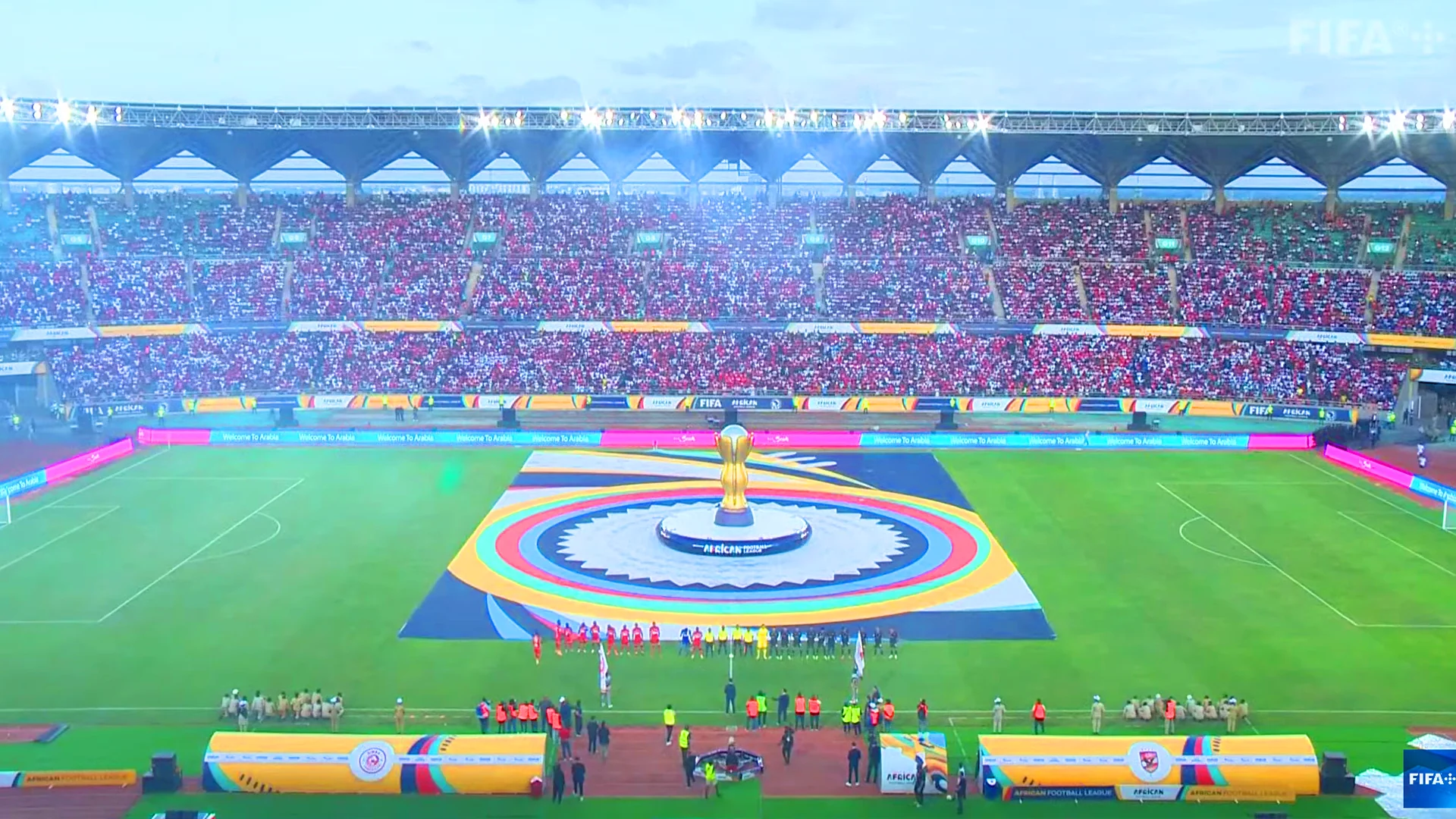
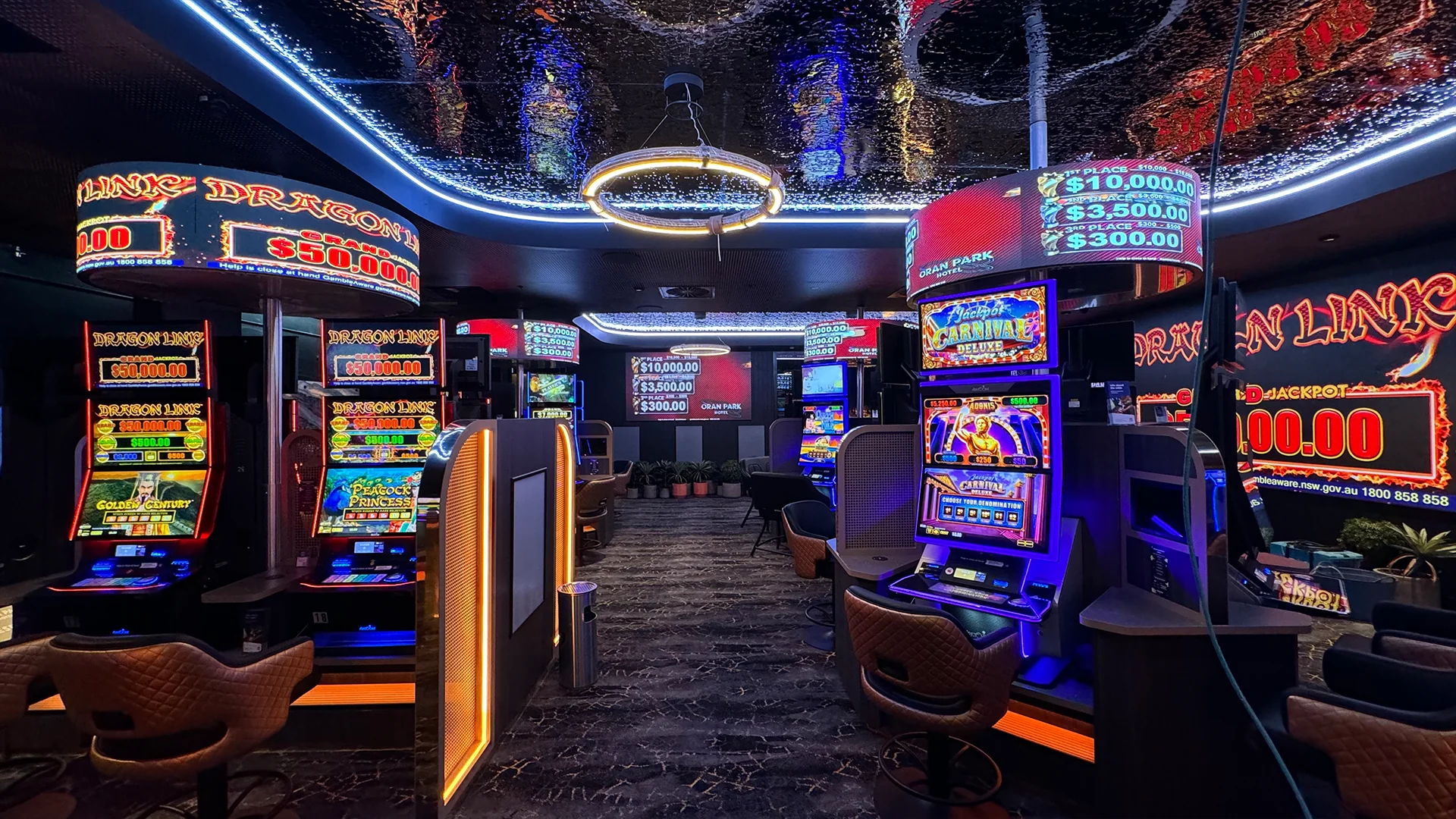
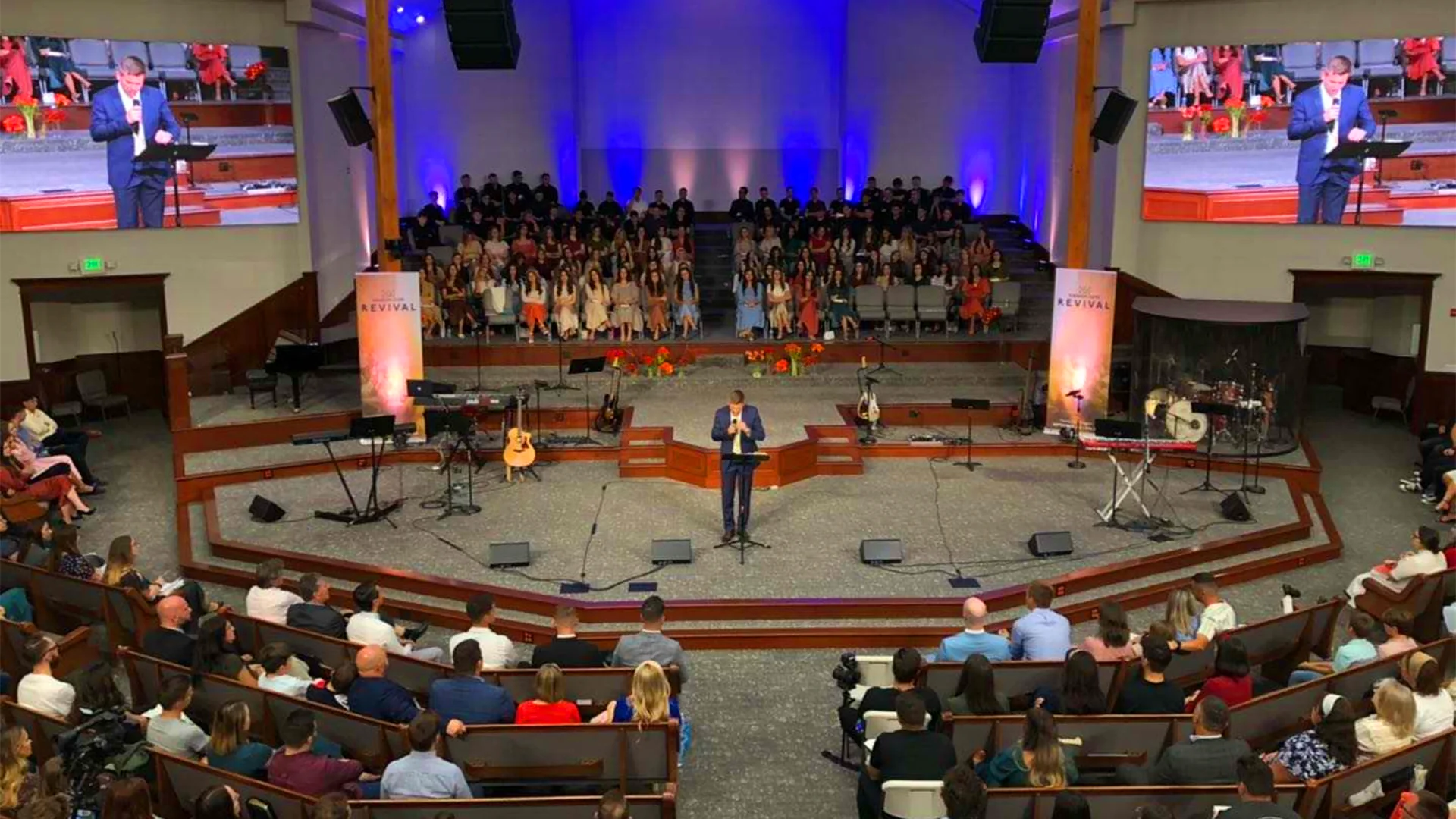







High-definition images are expected to look steady, yet even a technically advanced screen can show intermittent flashes, rolling bands, or unstable pixels when the display system is not properly configured.
We at LEDFUL approach image stability as a combination of signal transmission, electrical conditions, processing parameters, and display hardware rather than a single specification. Understanding these relationships helps integrators, AV technicians, broadcasters, and facility teams diagnose visual disturbances with greater precision.
Understanding The Sources Of Pixel Flicker
Pixel flickering does not always originate from the LED modules themselves. Signal interruption, incorrect controller settings, unstable receiving cards, damaged cables, or poor connections can all create irregular image behavior. LEDFUL’s technical guidance specifically identifies signal loss, controller problems, incorrect control-system voltage, and signal-cable faults among the issues that can cause a screen to shake or flicker.
Electrical conditions deserve equal attention. An overloaded power supply, voltage fluctuation, or weak connection can affect multiple sections simultaneously, while a localized power issue may appear as flickering in only one cabinet. Measuring voltage at the relevant distribution point is more informative than assuming the central power source reflects conditions at every part of the installation.
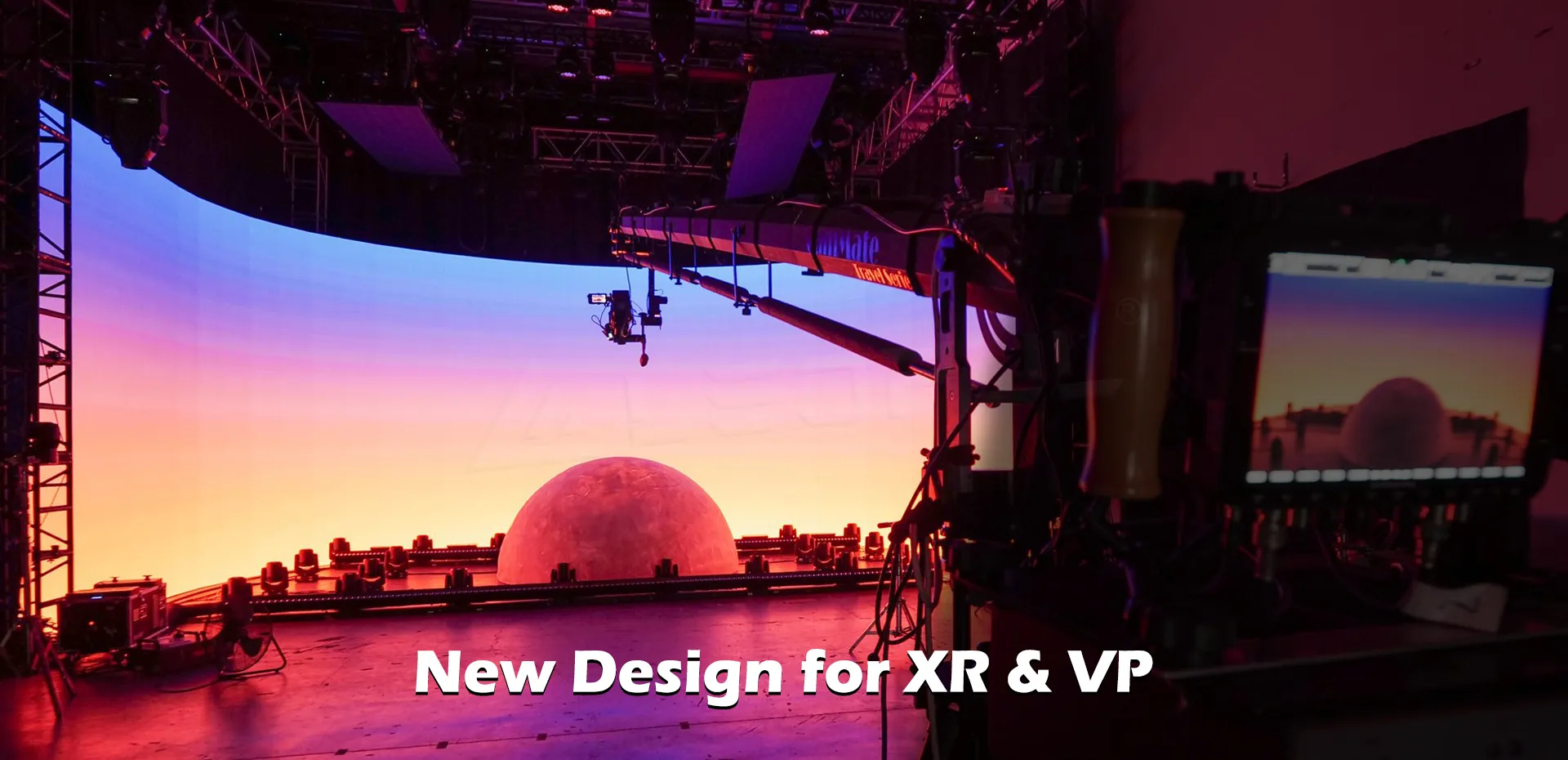
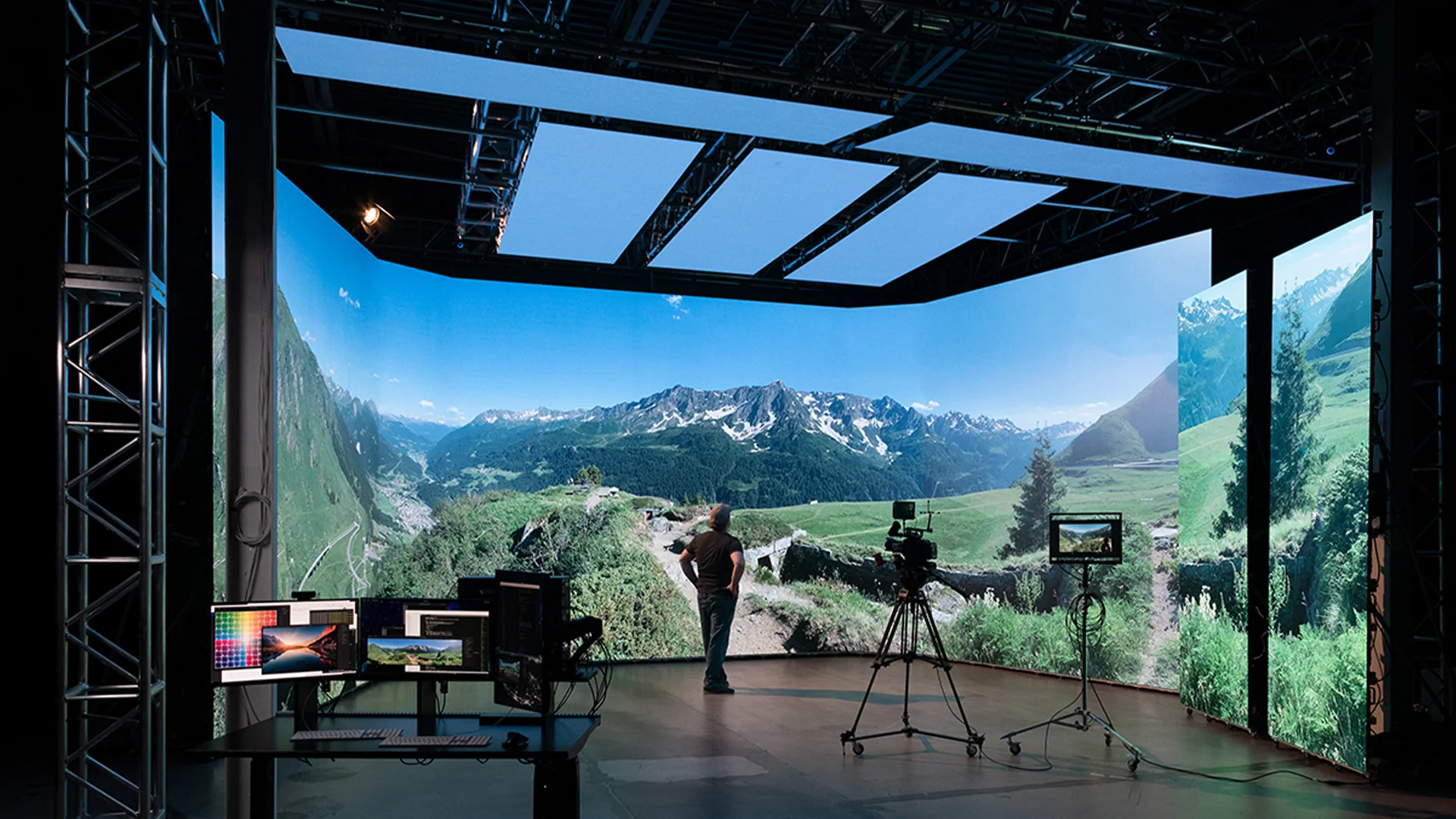
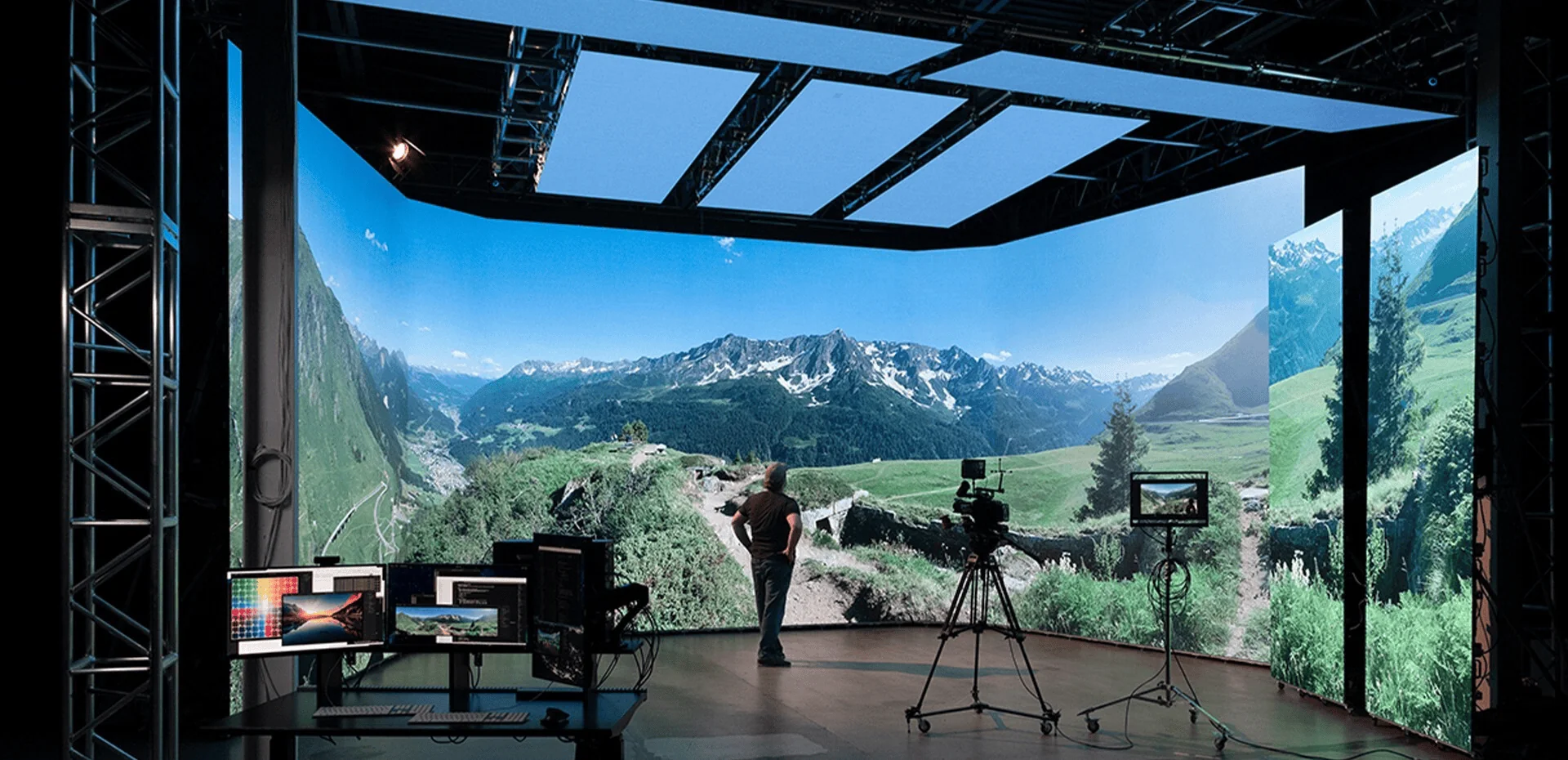
Content and camera equipment introduce another layer. A display that looks stable to the naked eye may produce horizontal bands or flashing patterns through a smartphone or professional camera. Refresh rate, scan method, shutter speed, frame rate, and synchronization can interact in ways that create camera-visible artifacts.
Refresh Rate And LED Display Panels
Refresh rate describes how frequently the image is updated within a given period. Higher values can be particularly useful for filmed environments because they provide more opportunities for synchronization between the display output and camera exposure. Still, refresh rate alone does not determine the final result; controller configuration, driving technology, scan mode, and camera settings remain part of the equation.
Grayscale has a different function. It determines how many tonal levels a display can reproduce between dark and bright states, influencing gradients, shadows, and subtle color transitions. When LED display panels are evaluated for high-definition applications, grayscale depth and refresh performance should be considered alongside pixel pitch rather than treated as unrelated numbers.
Signal Integrity Across The LED Display System
Data travels through several stages before an image reaches individual pixels. The source feeds processing equipment, the controller distributes information, receiving cards interpret that information, and the modules reproduce it visually. A fault at any point can create symptoms that resemble a hardware problem, which explains why replacing modules without testing the signal path can waste both time and resources.
Cable management has practical significance here. Loose connectors, damaged Ethernet cables, electromagnetic interference, and routing data cables too close to high-voltage equipment may disturb communication. Shielded cables and sensible separation from strong electrical interference sources can help maintain a cleaner signal path in demanding installations.
Software configuration should be checked alongside physical connections. Incorrect cabinet mapping, unsuitable refresh settings, mismatched control parameters, or a lost configuration file can produce unexpected visual behavior. LEDFUL’s control-system training materials identify signal transmission failure, cabinet communication errors, screen mapping mismatches, and brightness inconsistency as common areas for system troubleshooting.
Practical Flicker Diagnosis And Prevention
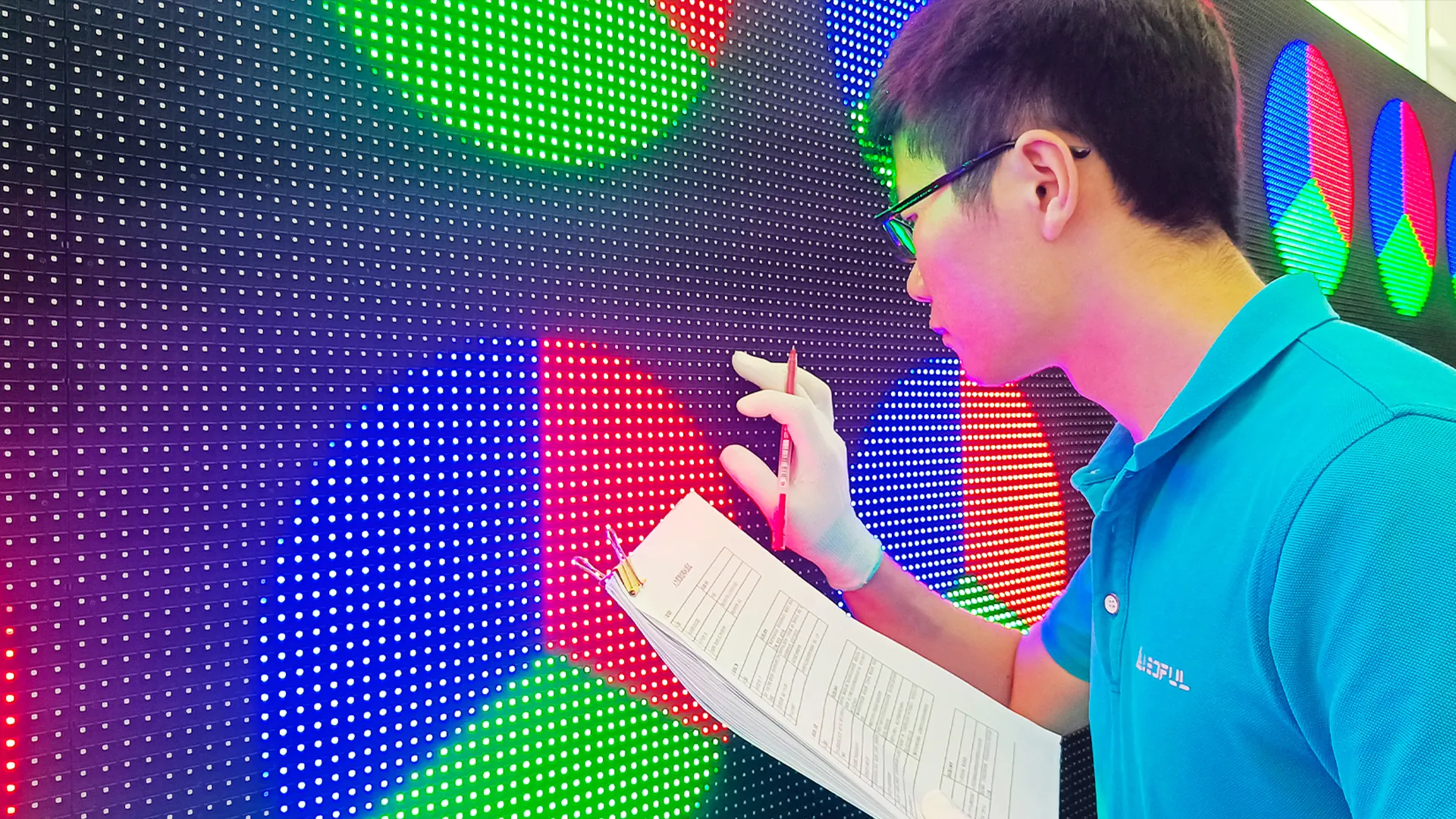
A structured inspection begins with the symptom itself. If the entire screen flickers simultaneously, the investigation can move toward the controller, signal source, synchronization, or power distribution. When only one cabinet or section is affected, technicians can focus more closely on its receiving card, module connections, local power path, and associated cables.
Camera testing should follow the same logic. Recording the screen at different shutter speeds and frame rates can reveal whether the problem exists during normal viewing or appears only during image capture. Such testing is especially useful for studios, live production, conference recording, and advertising environments where the display will regularly appear through a camera.
Maintenance records can also provide valuable clues. Logging affected cabinet locations, operating conditions, recent configuration changes, and recurring symptoms makes intermittent faults easier to compare over time. Regular inspections of connections, power systems, and environmental conditions can further reduce the likelihood of small installation issues developing into larger service problems.
Designing For Stable High-Definition Performance
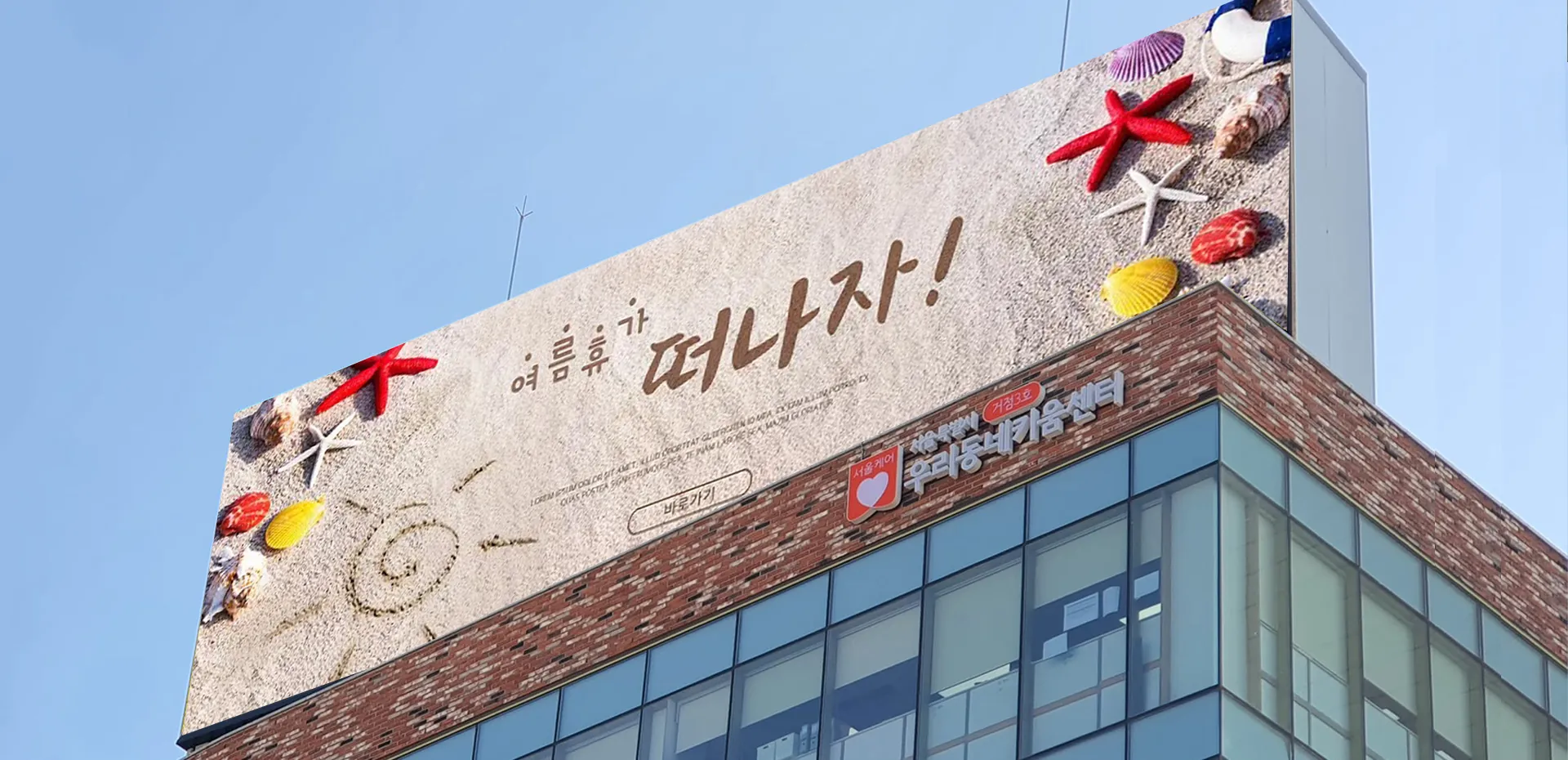
Pixel pitch determines how closely viewers can approach a screen before individual pixels become perceptible, but it should not be considered separately from the intended content and installation environment. Smaller pitches can support close-viewing applications, while larger pitches may suit installations where audiences remain farther away. The appropriate specification depends on the relationship between viewing distance, screen dimensions, content, and project requirements.
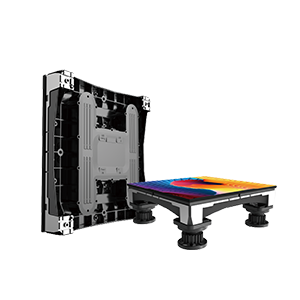
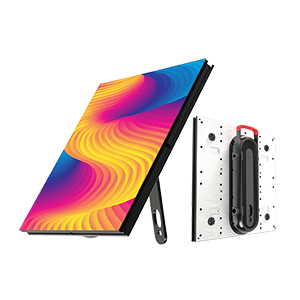
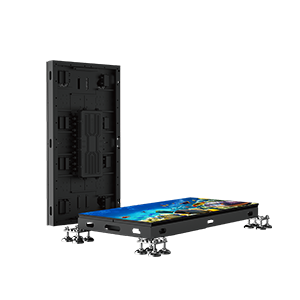
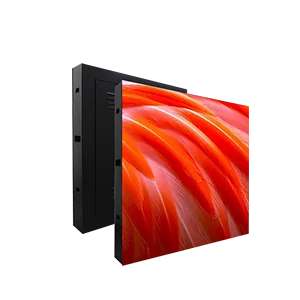
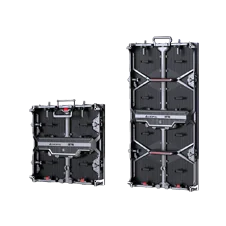
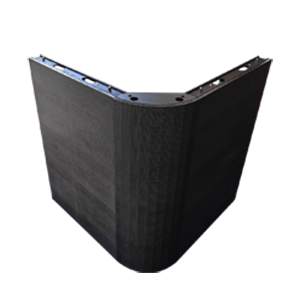
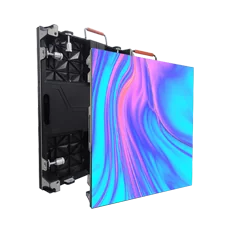
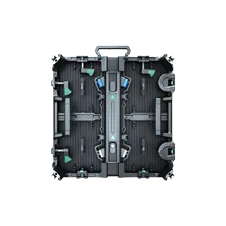
An LED display requires similar consideration for brightness. Excessive brightness can make indoor viewing uncomfortable, while insufficient output may struggle against strong ambient illumination. Power consumption, thermal conditions, cabinet design, service access, controller compatibility, and calibration capabilities also affect how consistently the display operates after installation.
Reliable image performance ultimately comes from treating the screen as a coordinated system rather than a collection of isolated specifications. At LEDFUL, we consider signal architecture, electrical design, image processing, hardware configuration, and application conditions together when developing display solutions. Careful commissioning and methodical maintenance give high-definition systems a stronger foundation for steady visual output, whether the content is viewed directly or captured through a camera. For further guidance, see our best LED display resolution guide.